Bring your board or leadership team through it together, in two sessions a week apart: three hours, then 90 minutes. Everyone uses AI on real work with your impact report, Form 990, brand guide and website, and fixes one task in their own area before the second session.
Everything here is free to use, adapt and share.
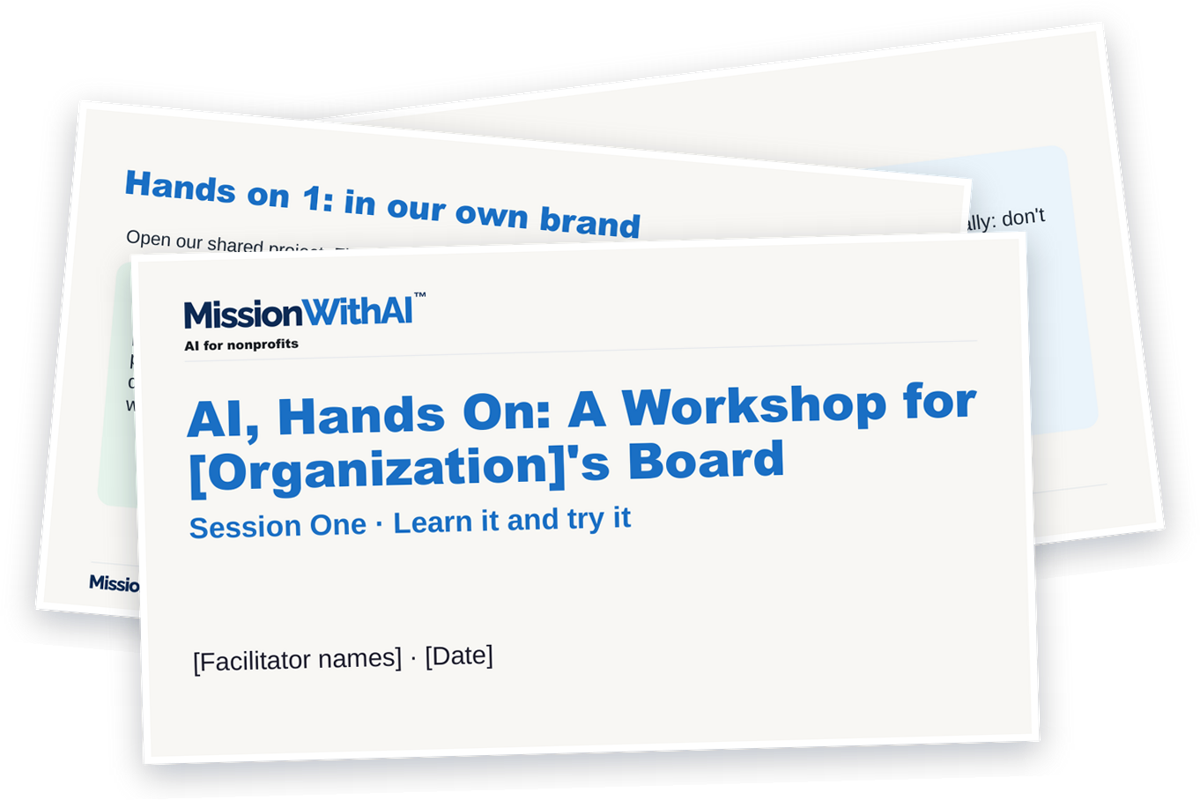
What you'll have at the end
- Everyone has done real work with AI, whatever they knew walking in.
- Each person has fixed one task in their area and knows what changed.
- Two or three fixes are written up for everyone, each with an owner.
- Simple rules for using AI, adopted or on the next board agenda.
How it runs
Why now, what's safe to put in, and a live demo turning a messy pile of notes into a board update. Then two hands-on rounds on each person's laptop: an announcement in your brand, then a task from their own area.
Each person fixes one task they dread, noting the time before and after, and how it felt.
Everyone shows what changed. The group makes two or three standard and sets its rules for using AI.
Two people run it: one at the front, one helping whoever is stuck. Allow an hour the week before to set up, and an hour to run the demo once yourself.
Download everything
Upload the slides to your AI tool and ask it to tailor them, such as adding your logo.
What do I set up beforehand?
- Make a shared project in your AI tool with your impact report, latest Form 990, brand guidelines, any logo files, and a one-page "who we are." The prompts also use your website. Leave out contact details and anything about one person. Set Up a Project shows how.
- Ask everyone to sign in before the day and check they can see the project. The facilitator guide has the email.
- Fill in the slides: your organization's name, the facilitators, the dates, and who people tell if they put in something they shouldn't have.
- Run the demo once yourself with the practice files, to learn what your tool gets right and wrong, and check it can open your website.
Which AI tool do we use?
Everyone works in the same AI tool, inside your organization's account, each with their own login. If your organization hasn't picked one, Start here walks you through it in a month, a step a week.
Still deciding? Run Session One on free accounts with what's already public: your impact report, Form 990 and website. Free accounts have no shared project, so each person uploads the files, and the brand round works from your website. Keep anything internal out until you have an organization account.